



How to Use AI to Create Powerful PowerPoint Presentations and Slide Decks

Creating professional presentations used to take hours of research, writing, and design work. Today, AI tools can do most of that work in minutes. Whether you’re preparing a business pitch, a marketing presentation, or a school project, AI can help you generate ideas, structure your slides, write content, and even design the visuals.
In this guide, you’ll learn how to use AI to create better PowerPoint presentations faster, even if you have little design experience.
1. Use AI to Generate the Presentation Structure
The hardest part of creating a presentation is often deciding what slides you actually need. AI can instantly generate a logical outline.
For example, you can ask tools like ChatGPT or Claude AI something like:
“Create a 10-slide presentation about the benefits of remote work.”
Within seconds, AI will generate a structured outline such as:
- Title Slide
- Introduction to Remote Work
- Key Benefits
- Productivity Statistics
- Cost Savings for Businesses
- Work-Life Balance
- Challenges and Solutions
- Case Studies
- Future of Remote Work
- Conclusion
This outline becomes the foundation of your slide deck.
2. Generate Slide Content Automatically
Once you have the structure, AI can also write the content for each slide.
Instead of writing everything yourself, you can prompt AI like this:
“Write bullet points for a PowerPoint slide about the benefits of AI in marketing.”
The result will typically include short, presentation-ready bullet points such as:
- Faster content creation
- Automated customer insights
- Personalized marketing campaigns
- Data-driven decision making
Tools like Microsoft PowerPoint and Google Slides work perfectly with AI-generated content because you can simply copy and paste the results into your slides.
3. Use AI to Design Slides
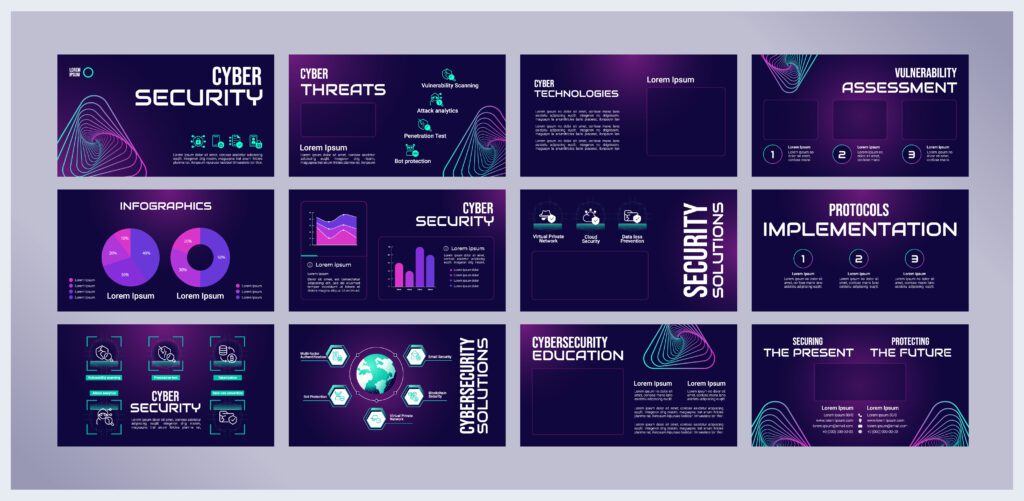
Designing slides can take a lot of time if you are not a designer. Fortunately, AI can automatically create professional layouts.
Some popular AI presentation tools include:
- Beautiful.ai
- Tome AI
- Gamma App
- Canva
These tools can:
- Automatically choose slide layouts
- Suggest visual elements
- Apply consistent design styles
- Format text for readability
In many cases, you simply paste your content and the AI instantly transforms it into a clean slide design.
4. Generate Images and Visuals with AI
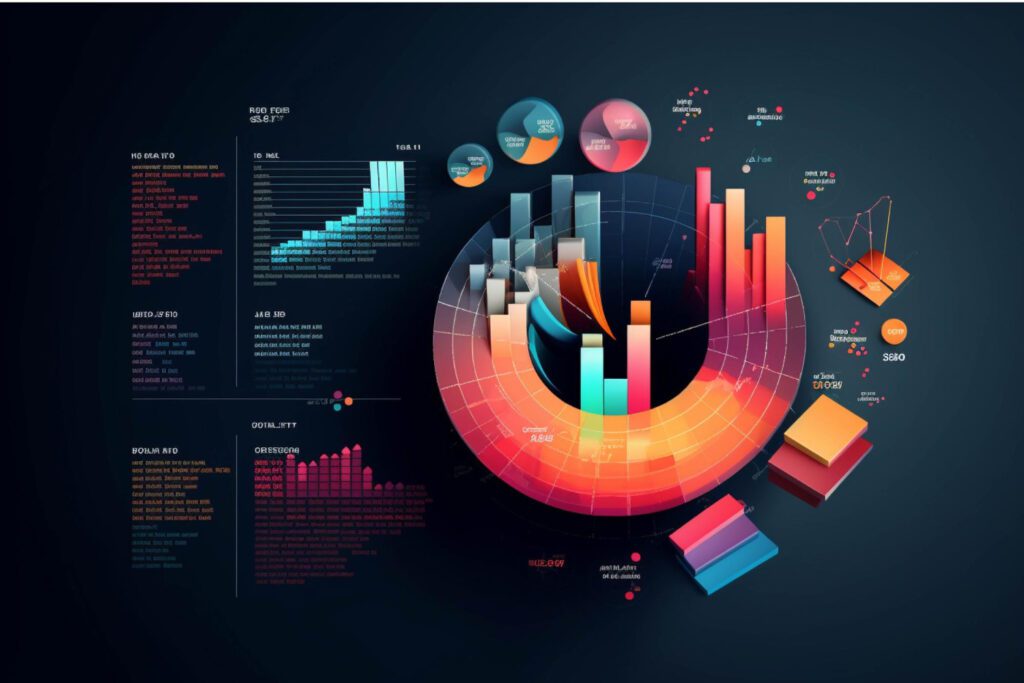
Visuals are critical for engaging presentations. AI can help generate:
- Illustrations
- Icons
- Graphs
- Background images
Tools like Midjourney, DALL·E, and Canva allow you to create custom images with prompts such as:
“Minimalist illustration of artificial intelligence analyzing business data.”
These visuals can make your presentation look unique and professional instead of relying on generic stock images.
5. Turn Text or Documents into Slides Automatically
One of the most powerful AI features today is the ability to convert long text into presentation slides automatically.
For example, you can paste a blog post or report into AI and ask:
“Turn this article into a 12-slide presentation.”
AI will then:
- Summarize the content
- Break it into logical slides
- Generate bullet points
Tools like Gamma App and Tome AI specialize in this process.
6. Improve Your Presentation Script
AI can also help you prepare what you will say during the presentation.
For example:
“Write a short speaking script for a slide about the future of AI in business.”
This allows you to quickly create speaker notes and feel more confident when presenting.

7. Use AI to Improve Clarity and Simplicity
One of the biggest mistakes in presentations is too much text on slides. AI can help simplify your message.
You can ask:
“Rewrite this slide to be clearer and shorter.”
AI will often transform long paragraphs into clean, concise bullet points, making the presentation easier for the audience to understand.
Final Thoughts
AI is rapidly changing how presentations are created. Instead of spending hours designing slides and writing content, you can now use AI to:
- Generate slide ideas
- Write bullet points
- Design layouts
- Create visuals
- Summarize long documents
Tools like ChatGPT, Canva, and Gamma App make it possible to build professional-quality presentations in minutes instead of hours.
For freelancers, marketers, educators, and business professionals, learning how to use AI for presentations can dramatically increase productivity and creativity.